CASE STUDY 01 · RECENT 2D WORK
14 arcade games in approximately three months
A reusable, AI-assisted Unity production workflow supporting diverse arcade genres and playable desktop, tablet and mobile browser experiences.
- Unity / C#
- Codex
- Desktop + touch controls
- Original pixel art
- Audio implementation
My contribution
I was the sole developer: responsible for gameplay concepts, technical foundations, all game design and screen layouts, programming, all artwork and audio implementation. I developed the shared base systems and used Codex extensively to extend my own code and implement specifications under my direction.
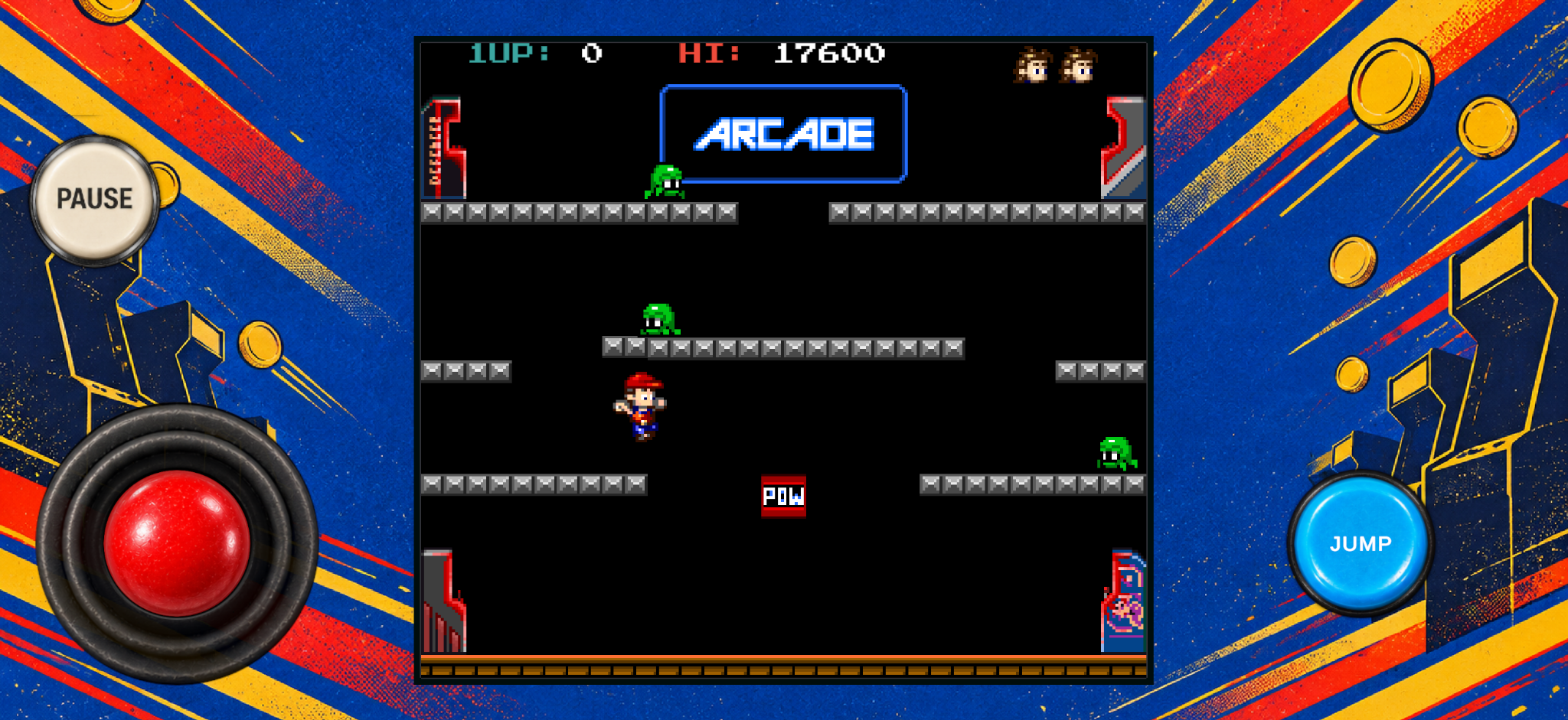
The creative process began with the gameplay loop: what the player does moment-to-moment, how difficulty develops, how an action is communicated, and why another attempt should feel worthwhile. I set up the initial scenes and functionality, established the code base and directed AI-assisted implementation from those foundations. That approach gave me the freedom to explore variations without handing over design ownership.
Shared systems and ambitious presentation
Reusable game architecture and Unity tooling support additional games, cross-title improvements and common functionality. I designed game-specific controls and adaptive layouts for desktop, mobile and tablet screens, alongside arcade-standard features such as attract modes, high-score entry, animated text, transitions, visual feedback and other presentation polish.
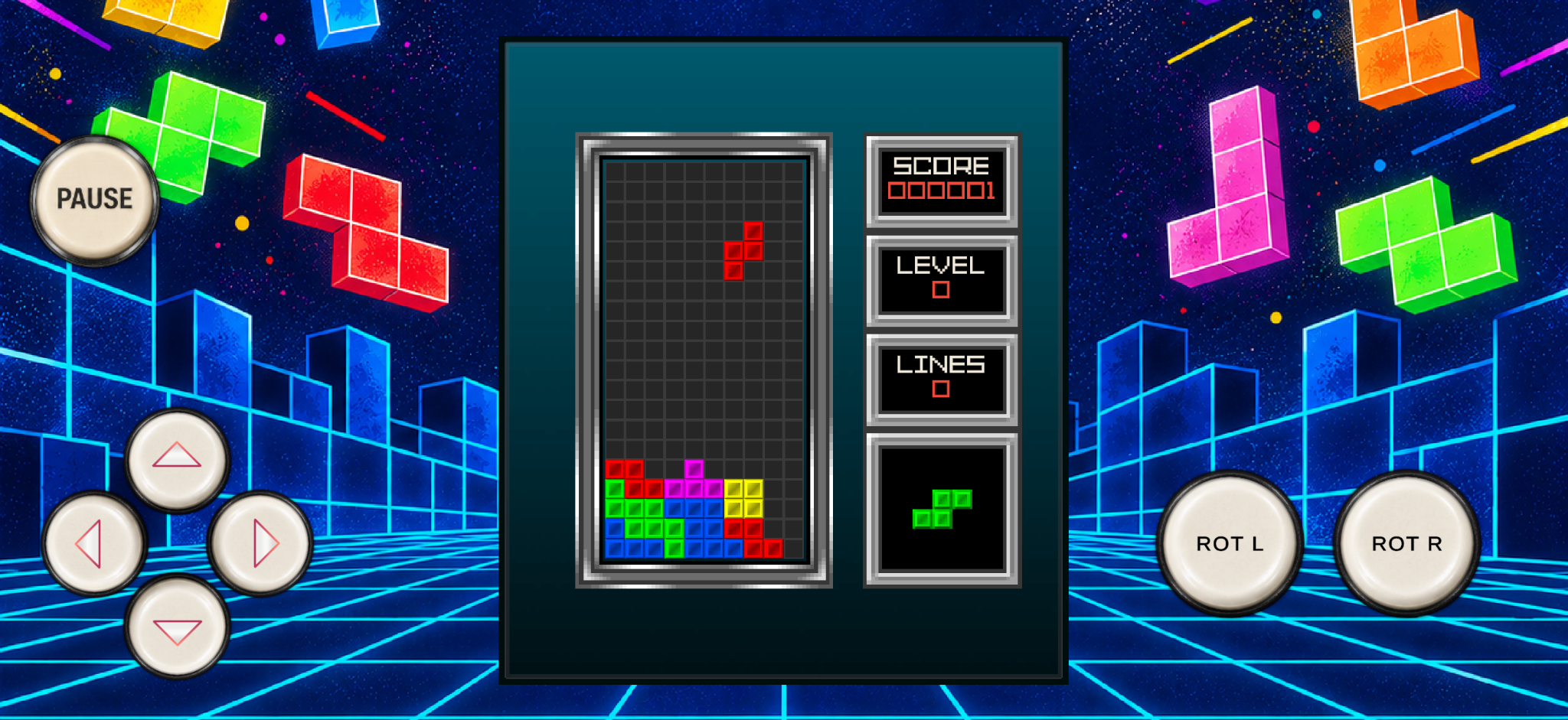
The production challenge was to keep each game distinct while maintaining common standards. A platform game, maze chase, driving game and shooter do not have identical input or pacing requirements. I therefore designed individual control solutions within a shared approach to mobile presentation, screen flow, scoring and deployment. Common fixes and improvements could then benefit several titles without forcing every game into the same design.
Beyond the minimum viable game
AI assistance made room for features I previously might have omitted under tight schedules: more responsive interface layouts, animated title and transition sequences, stronger visual feedback on game events, authentic high-score entry and attract-mode behaviour, and more complete, authentic arcade presentation. These details are important to the feel of a genuine arcade experience.
Testing and refinement
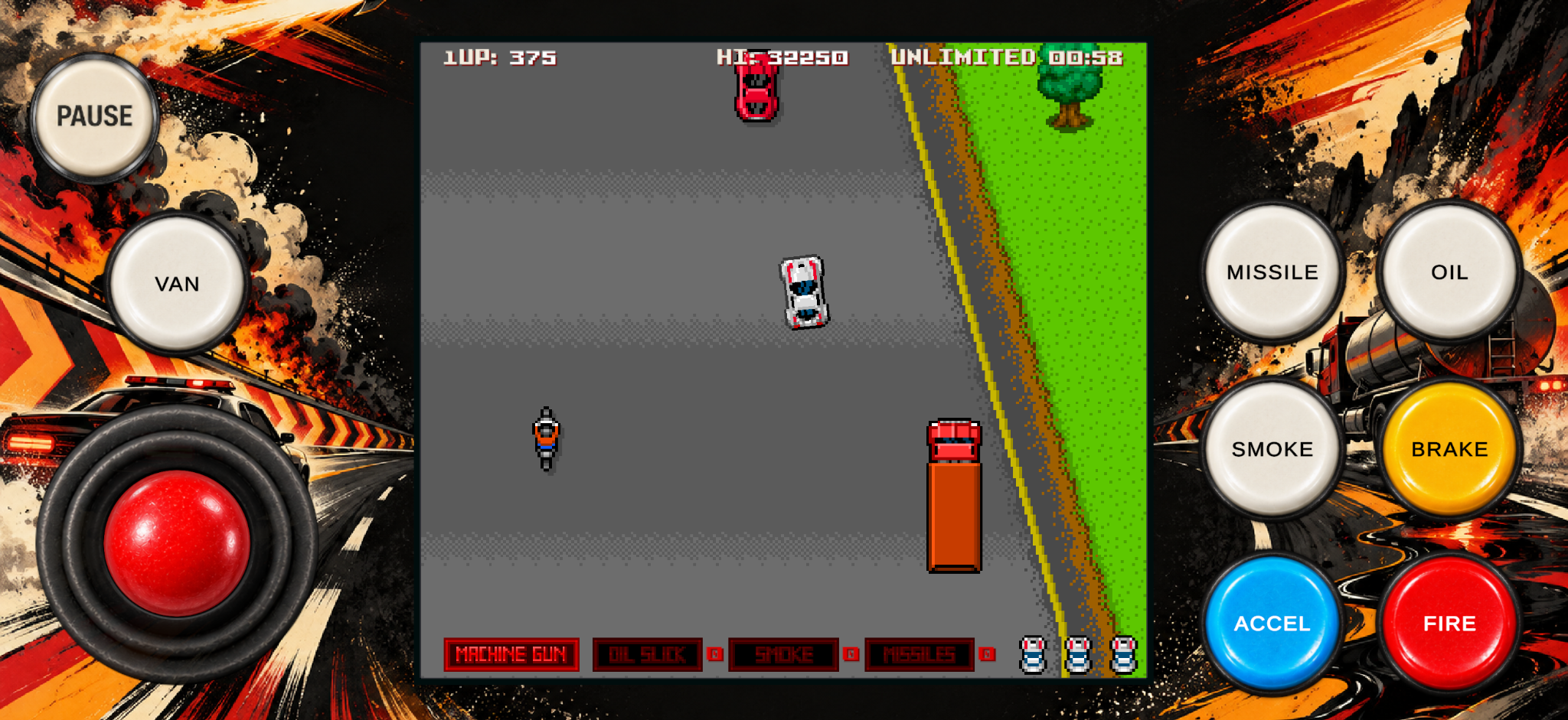
AI-assisted code review, debugging and Unity validation tools supported development, while extensive hands-on testing informed changes to difficulty, pacing, collisions, controls, effects and game feel. I regularly modified or rejected implementations that failed to meet the creative brief.
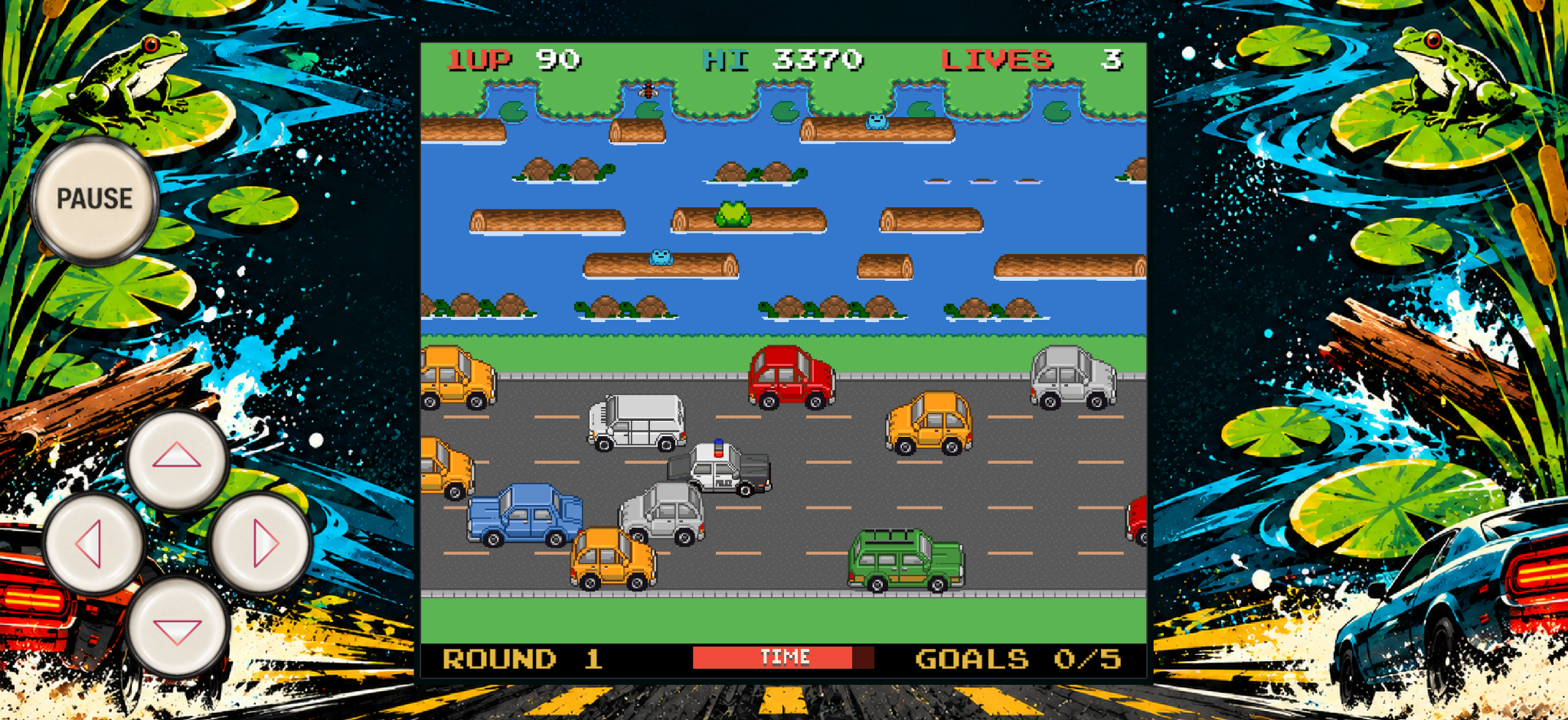
This was iterative rather than a one-prompt production process. A technically correct mechanic could still feel too slow, too punishing or visually unclear. I tested those issues in play, gave specific revised requirements, changed the implementation and tested again. AI-assisted tooling also helped inspect project consistency and investigate bugs, but the decision that a game was ready remained a human one.
Outcome
The workflow supported 14 publicly playable arcade games in around three months. For projects of a similar size, I estimate that AI-assisted coding tools have reduced my programming time by around 80% compared with writing and refining the code manually. Just as importantly, the increased capacity allowed more sophisticated features and more extensive quality refinement.
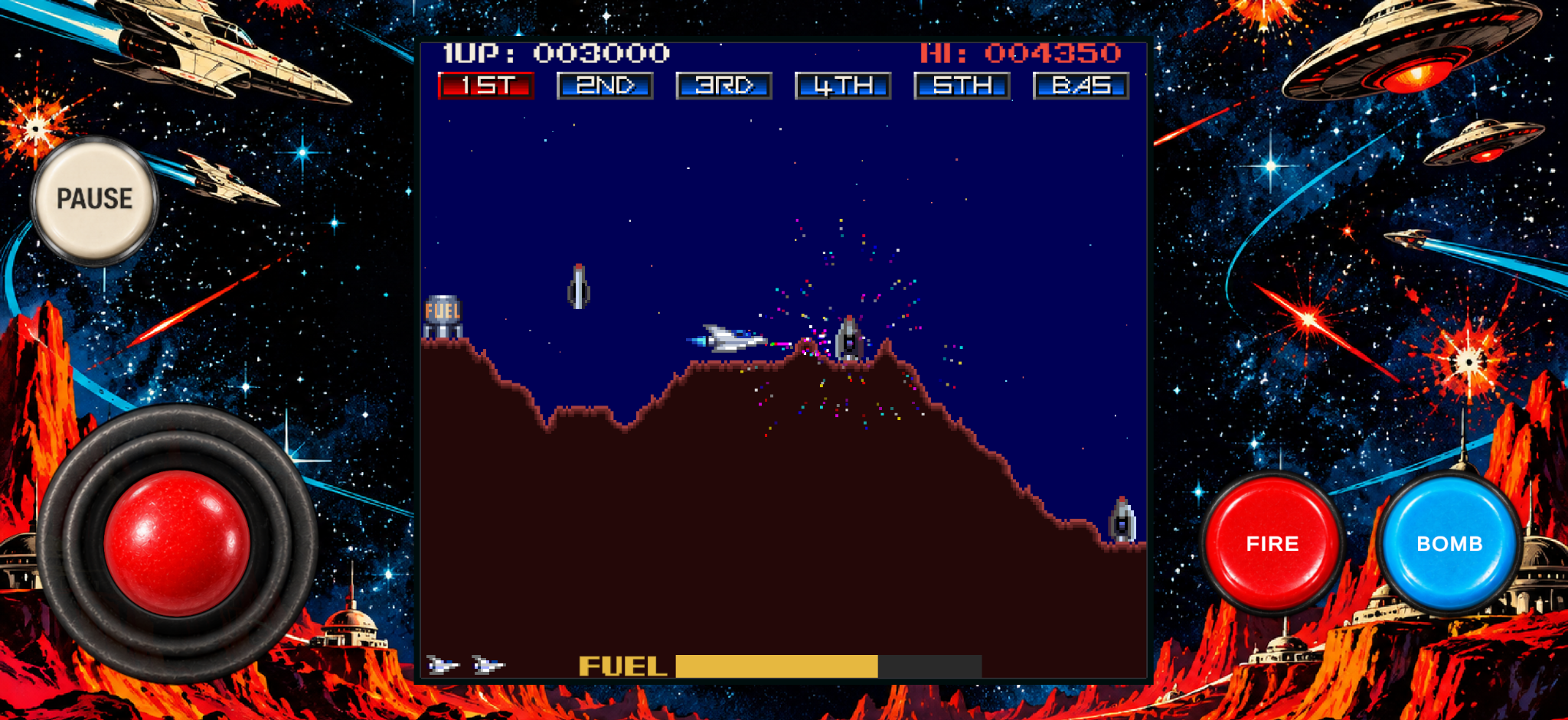
Examples from the collection
The public range includes Arcade Panic and Toxic Ranger (platform games), Racing Champ and Road Hunter (driving), Moon Encounter and Star Raid (shooters), Ghost Muncher and Frogster (arcade action), Blocktris and Breakoid (puzzles), and Park Run (endless runner). Each can be evaluated as a playable game rather than as a static mock-up.
The full collection also includes Breakoid, Chicken Challenge, Ghost Muncher, Invader Alert, Moon Buggy, Moon Encounter, Parkrun, Racing Champ and Toxic Ranger, each with its own mechanics, artwork and control requirements.